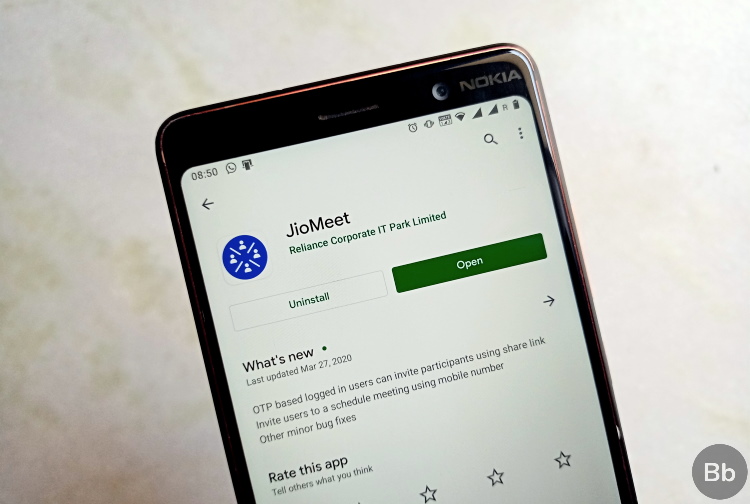
The COVID-19 lockdown has created a surge in demand for video conferencing apps. Zoom, Google Meet, and Microsoft Teams have witnessed a meteoric rise as businesses and students flocked to replace offline hangouts. Well, Reliance Jio also wants a piece of this pie and has today launched its own video conferencing app – JioMeet.
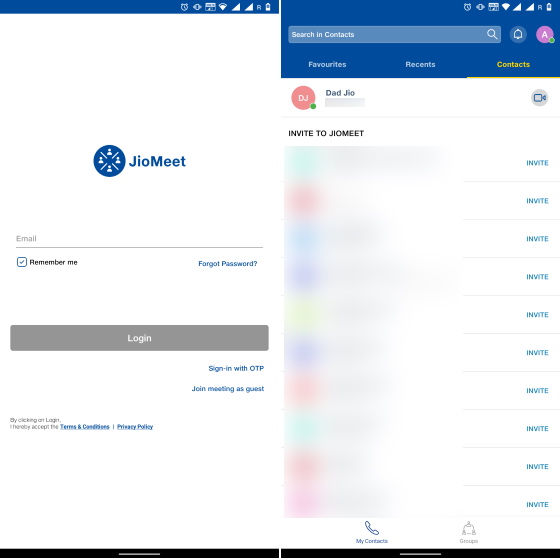
JioMeet is already live on iOS and Android right now. It allows you to place HD video calls to your friends or colleagues for free. You can sign up for this app via your email or log in via OTP. There’s also the option to join a video call as a guest using the conference link sent to you. It will only require a meeting ID and your name.
JioMeet: Features
Once you are in, you will see tabs at the top – Favorites, Recents, and Contacts. If you want to start a video call, just tap the ‘video call’ icon next to the name of the user. The maximum call quality is set at 720p but the app automatically adapts the quality based on your connection. You can even exchange texts in an overlay over the video call.
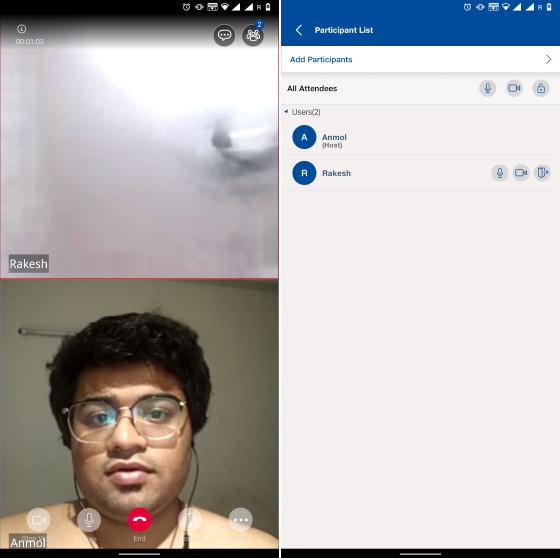
JioMeet also makes it super easy to start group calls and what’s exciting here is that it offers some basic admin tools to the host. The host can mute or kill the video feeds of any of the participants. They can also choose to kick any participant or end the meeting for everyone with the tap of a button.
I know, you must be wondering about the participant limit. JioMeet supports only up to five participants for free users. But, if you sign up for the Pro plan and are a business user, you can invite up to 100 people to join your video conference call. All meetings are PIN protected, the company mentions on its FAQ page.
Unlike WhatsApp’s end-to-end encrypted video calls, JioMeet uses SSL 128-bit encryption to ensure the security of your calls. This means your calls are encrypted in transit. JioMeet brings a Conference History feature in tow as well. You can view and listen to old video calls if needed.
JioMeet: First Impression
In my brief time using the JioMeet app, I found the interface to be old-ish and similar to other Jio apps. This is not my biggest concern though. JioMeet works at a crawling pace when placing video calls. First, it doesn’t show a fullscreen UI when the recipient receives a video call. Instead, you will only see a banner notification, which on tapping takes you to a fullscreen UI to accept the call. So, it’s super easy for your friends or family to not even notice that someone is calling them.
The list of problems does not end there. JioMeet takes its gala time to connect a video call. The connection is not instantaneous. You will have to wait 4-5 seconds to have the other person’s video pop-up on your screen. My father and I also witnessed some audio issues while testing the app last night.
So overall, JioMeet is a decent attempt at building a video conferencing app. But, you can rely on WhatsApp or Messenger, which recently added Rooms, if you simply want to catch up with friends or relay a message to your office workers.
Comments
Post a Comment