Instagram PWA With Direct Messaging Now Available on Microsoft Store

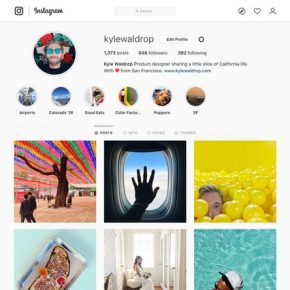
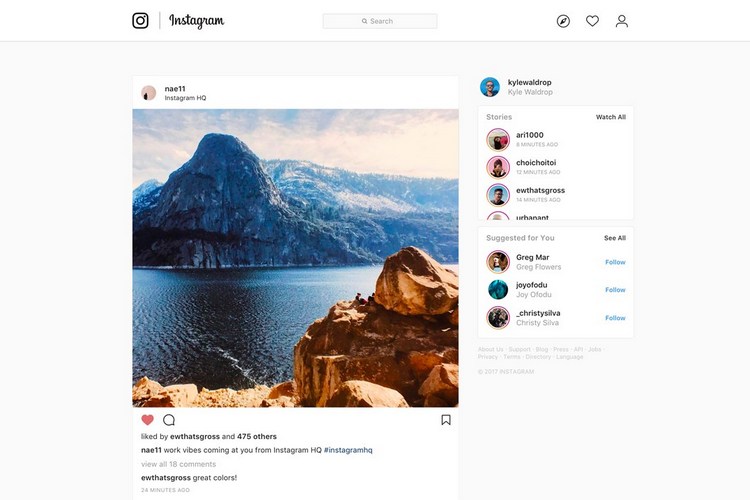
Instagram has updated its Windows desktop client on the Microsoft Store as a Progressive Web App (PWA). Believed to have been originally spotted by Italian tech blog, Aggiornamenti Lumia, the new application (version 42.0.2.0) is now available to download globally and, comes with the Direct Messaging feature that isn’t yet available on the website. However, Instagram is currently testing DMs on its website, so expect it to be rolled out sooner rather than later.

In case you don’t know it already, PWAs are platform-agnostic applications that are meant to work on both mobile and desktop operating systems. They mostly function as native applications with support for a full suite of functionalities, including push notifications, hardware access and more. PWAs also typically bring faster updates because any change on the web could be rolled out to the PWA without too much of a problem.
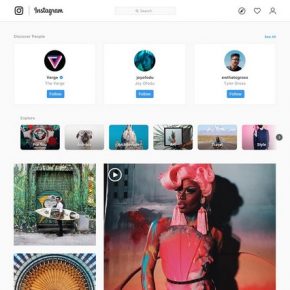
Instagram first announced plans to update its Windows app on the Microsoft Store as a PWA last December, but the company didn’t announce any specific timeline for the rollout. Even now, the company is yet to make a public announcement about its availability, but we expect that to happen sooner rather than later.

Meanwhile, if you’re interested in checking out the new app, you can download it for free from the Microsoft Store in your country. If you’re already using the Instagram app on your Windows PC, it will be automatically updated to the latest version soon, but you can also download it manually if you want. Do note that the app is only compatible with Windows 10 version 10240.0 or higher (both mobile and desktop).

Comments

Popular posts from this blog

iPhone 12 to Have 5nm Processor, Qualcomm’s X55 5G Modem: Report

Apple is all set to launch its first 5G iPhones next year, and a new report out of Japan now claims that they will ship with Qualcomm’s X55 5G modem under-the-hood. According to multiple sources quoted by the Nikkei Asian Review , at least three of the devices the company will launch next year, will ship with 5G connectivity. “It will be the first time Apple introduces 5G iPhones … There will be three of them and the company has set an aggressive sales target” , said one of them. As per the report, the next-gen iPhone lineup will be powered by the A14 chip that will use the 5nm technology, making it significantly more power efficient than its predecessor, the A13 Bionic, found on the current-gen iPhone 11 lineup. At least two of the three new phones will also have what the report called ‘flexible’ OLED displays, although it’s not immediately clear what it meant by that term. In addition, Apple is also developing a new ‘3D-sensing rear-camera’ that is said to be able to “sense t...

Windows 10 Insider Build 19013 Adds Power Toys, New Kaomoji, and More

Microsoft has already pushed the near-final release version of the Windows 10 November 2019 Update and is now focusing its efforts on the next major 20H1 update. We’ve been keeping track of the new features being tested with Insiders for some time now and well, the latest build, number 19013, brings improvements to the Linux subsystem, emoji tray, and Your Phone features. The highlights of Insider Build 19013 is the return of Power Toys. They’re special utilities that were made popular in the Windows 95 and Windows XP era, but had been nixed to make way for new features over the past few years. Well, they’ve now made a return to Windows 10 20H1 Insider builds this month, starting with 2 features, PowerRename and FancyZones. While PowerRename makes it possible for users to rename files in bulk, the FancyZones feature lets you drag apps into defined target positions on your PC. You can take a close look at the FancyZones feature right here . Apart from this, the Windows subsystem f...

Samsung Launches Galaxy Labs; an App Suite to Help Optimize Your Phone

Though OneUI 2 is set to bring along a number of changes to Samsung’s Galaxy phones, the company has today released a new suite of device optimization apps. Dubbed Galaxy Labs, it’s offering users access to 4 apps, including a file restoration app, battery tracker and optimizer, and an app booster. All of these four apps live under Galaxy Labs, similar to the “Device Care” feature on the company’s OneUI-powered devices. Let’s talk about each service under this app, starting with File Guardian. It’s going to serve as one of the most used and important apps in the Galaxy Labs suite as it will help recover permanently deleted files from your internal, as well as external storage. Next up, we have Battery Tracker and Battery Guardian apps. The name of these 2 apps are enough to tell you what they do. While the former gives you an in-depth look at the device’s battery usage (more detailed in comparison to the in-built battery tracker), the latter only checks if existing battery optimiza...