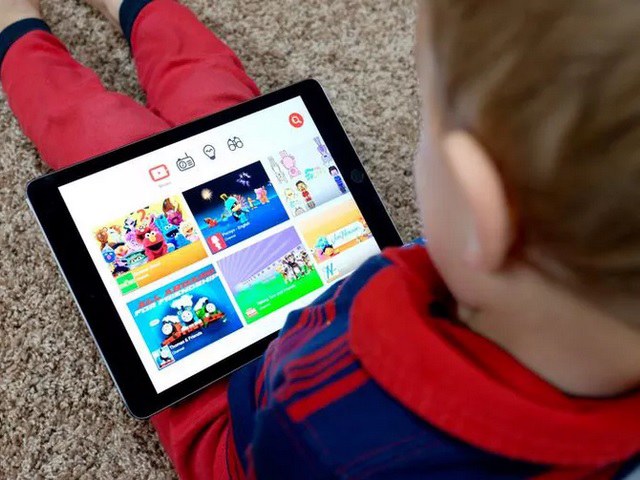
YouTube Kids was revealed to be getting a dedicated desktop website earlier this week. Well, if you have been waiting for the kids to be able to watch videos on YouTube right from the browser (with appropriate scrutiny), then the YouTube Kids website has today gone live. It offers a familiar experience, which parents who use the mobile app would recognize right away.
The YouTube Kids website looks very much like its tablet or TV app, but one of the key features is currently missing in action. You won’t be able to sign into the website at the moment, says the official support page. It is currently in development and should start rolling out at a later date.
“With this initial offering, there won’t be an option to sign in, similar to watching YouTube Kids on TVs today. Parents will still be able to see watch history, flag content, and choose from the new age group content setting,” says the support page. The desktop website has officially launched today, alongside the news that Google is settling federal privacy charges against YouTube. The company is going to pay fines of around $150-$200 million for violations against the Children’s Online Privacy Protection Act.
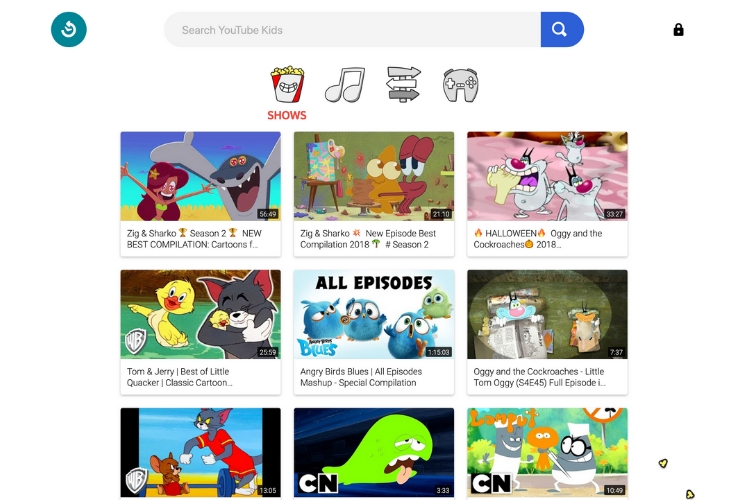
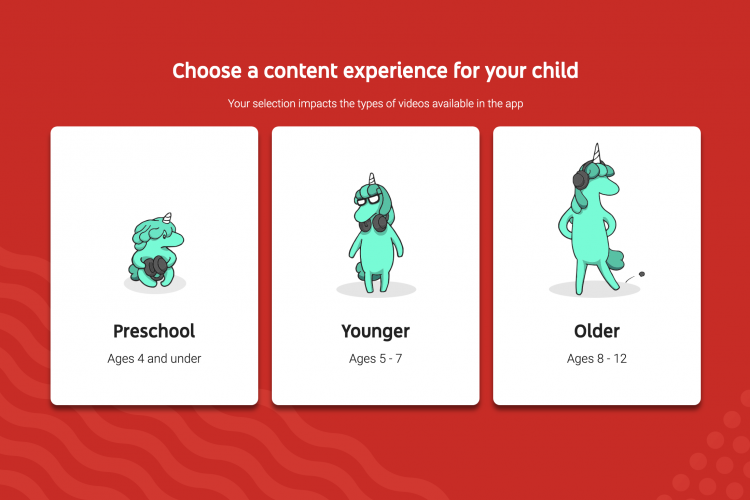
One of the changes introduced in YouTube Kids are the new age groupings, which were revealed by the company earlier this week. The moment you open the desktop website, pass the parental control test, you will be greeted with the new options. YouTube Kids is now offering a new ‘Preschool’ filter for kids ages 4 and under. This is paired with Younger (ages 5-7) and Older (ages 8-12) filters for watching videos.
The streaming giant has also revised its child safety policies for the kid-friendly platform. Parents will able to contribute to the removal of unsafe content, which includes “videos that target younger minors and their families, those that contain sexual themes, violence, obscene, or other mature themes not suitable for younger audiences.” Earlier, these videos were restricted instead of directly being removed to the service.
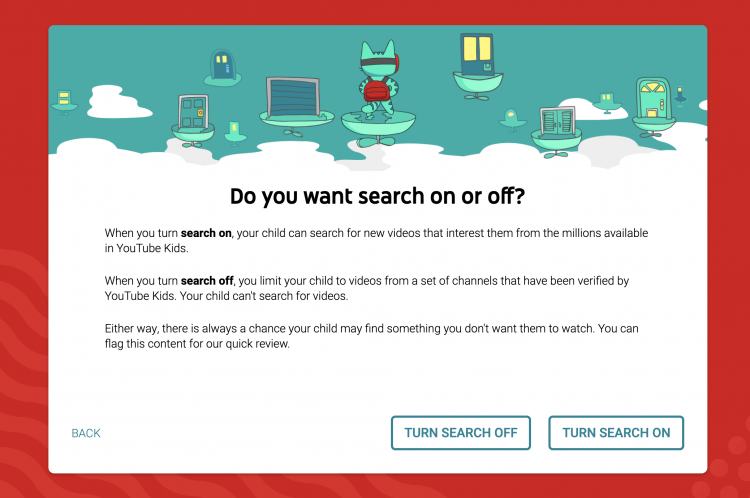
An interesting feature that I found while checking out YouTube Kids today was the option to enable or disable the search option. If you choose to turn on the feature, your kids will be able to search for new videos on the platform. The option to disable search will restrict children to a limited set of channels – verified to be kid-friendly by YouTube.
This dedicated YouTube Kids website has been launched to address a bigger problem on the platform. The video streaming giant isn’t kid-friendly as a whole, which it hides in its terms and conditions — stating that the website is meant for users 13 and up. So, it was breaking the law and the new website fixes the shortcoming, offering a safer environment for kids to explore their interests and curiosity
Comments
Post a Comment