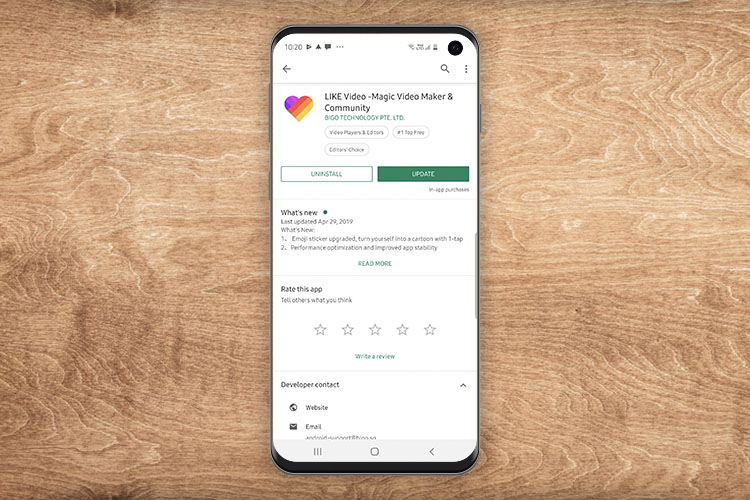
How often do you shoot videos on your smartphone? Probably not a lot, but when you do, I’m sure you’ve been left wondering if you could make your videos more attractive, or maybe just add some special effects without having to learn incredibly complicated and pro-level software. Well, that’s where LIKE app comes in. Based out of Singapore, LIKE is an app that brings special effects, and video editing to your fingertips right on your smartphone. Here are the most impressive features of the app:
Key Features:
1. Superme
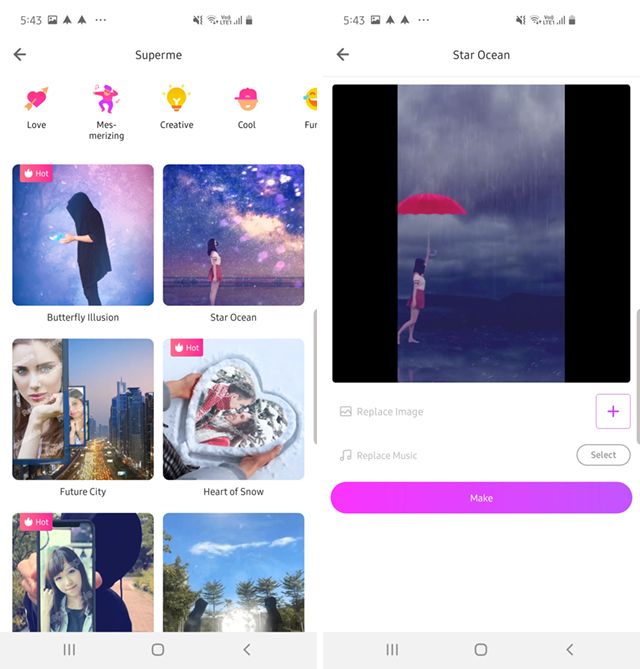
There’s also a feature called Superme that lets you make videos that come with pre-designed special effects and just quickly add your pictures into it to make them look ‘larger than life.’ There are a number of effects to choose from, including things like ‘Butterfly Illusion,’ ‘Star Ocean,’ and more. You can simply tap on the effect you want to use, choose a picture you want, and that’s it. LIKE will automatically make a video for you. You can even change the background music to match your taste.
2. Colorful Hair
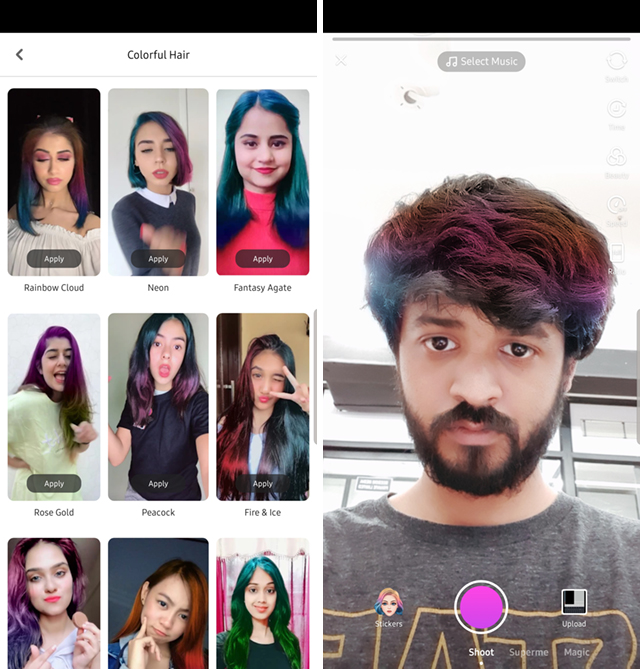
Do you like colored hair? If you do, but you don’t actually want to color your hair, LIKE’s Colorful Hair feature might pique your interest. Simply swipe over to the ‘Magic’ option in the recording screen, and choose one of the many many ‘colorful hair’ options in the app. Once you’ve selected a template, LIKE will use AR to apply it to your hair. It’s also pretty good at tracking your hair, but I did notice that it also worked on George, whose head is shaved, and I’m not sure why that is. Still, the feature itself definitely works decently well enough.
Major Characteristics of LIKE:
1. Record Videos with AR Effects
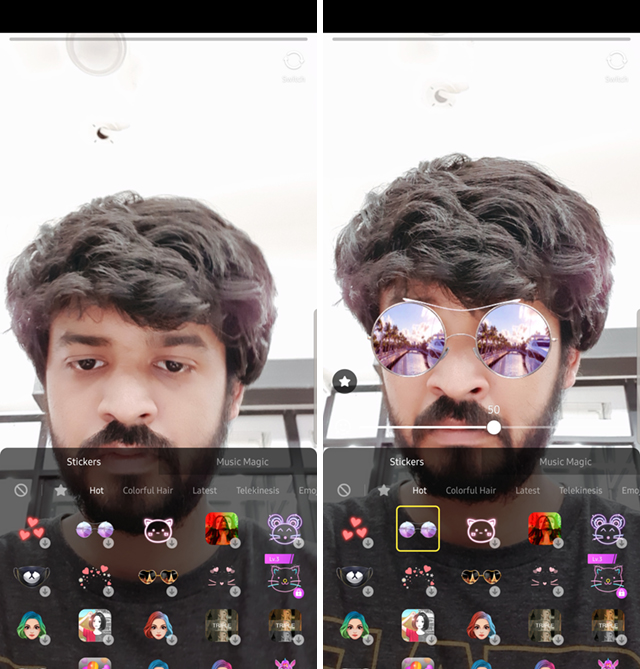
First off, recording videos with the LIKE app is easy as 1,2,3. The interface is immediately intuitive, and you can get recording the moment you launch the app; yes, even without creating an account (although you might want to create an account any way). Plus, there are AR effects here; you can add stickers to your video that track your face, you can add emojis, and a lot more to make your video immediately stand out.
2. Hands-free Recording
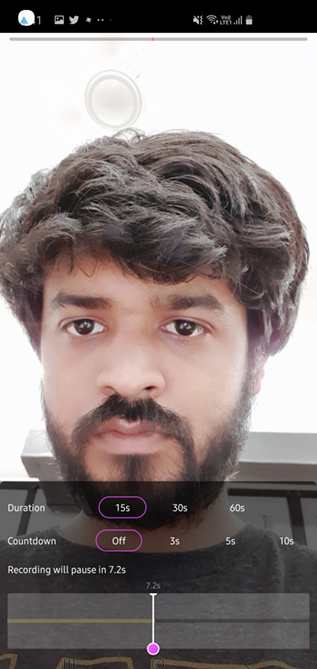
There’s also a hands-free recording mode in the app, so you can just tap on the shoot button and let LIKE handle the rest. You can set the recording to automatically stop in 15s, 30s, or a full minute. This makes it easy to split your videos into multiple recordings without having to press the stop button manually every time.
3. A Whole Lot More Stuff
Once you’ve recorded your video, you can add a bunch of other effects to it. You can add effects to your video, which, when done properly, can look really great. You can make the video run in slow motion, or reverse it, or even speed it up; whatever suits your fancy. There are also options to add filters to the video, add a subtitle to it, select a background music… basically, you can fine tune your video and make it as appealing as you want. LIKE offers a lot of special effects to play around with.
Check Out LIKE to Add Special Effects to Your Videos
LIKE is available on both Android and iOS, and it’s a completely free app, so if you’ve ever wanted to create videos with special effects and stuff, definitely take a look at LIKE — it might just be the app you’re looking for. Plus, it has a huge community that posts a lot of content, and will definitely engage with your content as well, so who knows, maybe you become a LIKE star!
Comments
Post a Comment